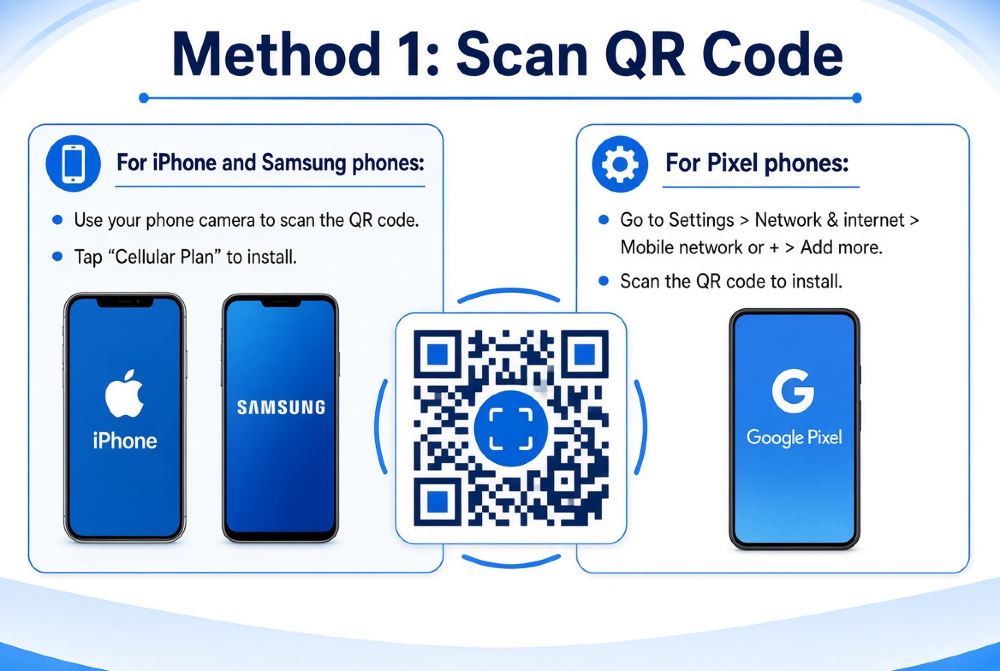
Scan the QR code
iPhone and Samsung:
Use your phone's camera to scan the QR code.
Tap 'Cellular Plan' to complete the setup.
Pixel:
Go to Settings > Network & Internet > Mobile Network or > Add more.
Scan the QR code to complete the setup.
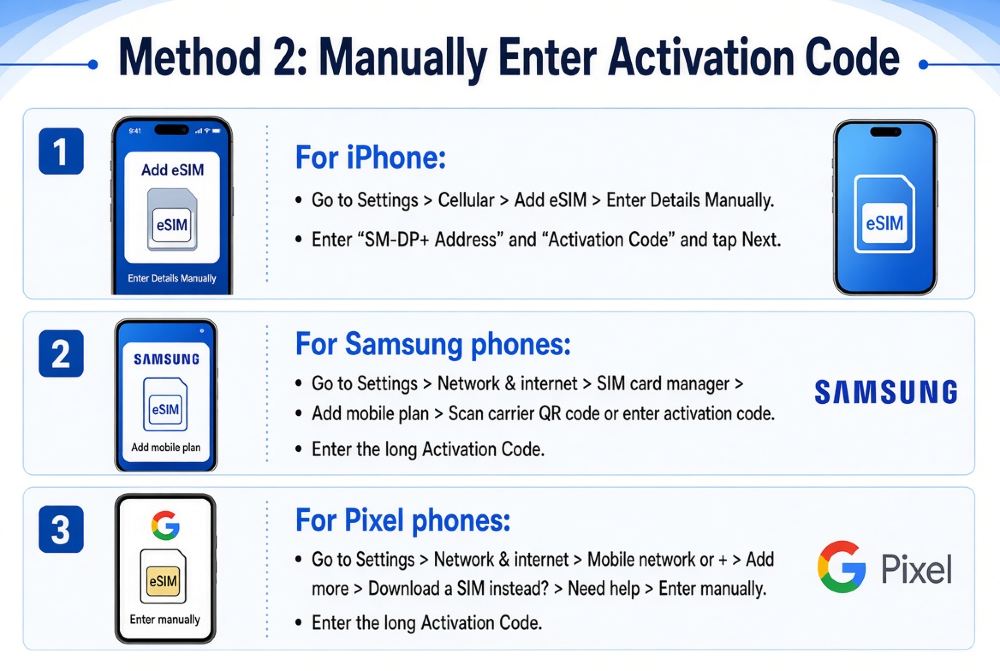
Manually Enter Activation Code
iPhone:
Go to Settings > Cellular > Add eSIM > Enter Details Manually.
Enter the “SM-DP Address” and “Activation Code,” then tap “Next.”
Samsung:
Go to Settings > Network & Internet > SIM Card Manager > Add Mobile Plan > Scan Carrier QR Code or Enter Activation Code.
Enter the full “Activation Code.”
Pixel:
Go to Settings > Network & Internet > Mobile Network or > Add More > Switch to Download SIM? > Need Help > Enter Manually.
Enter the full “Activation Code.”