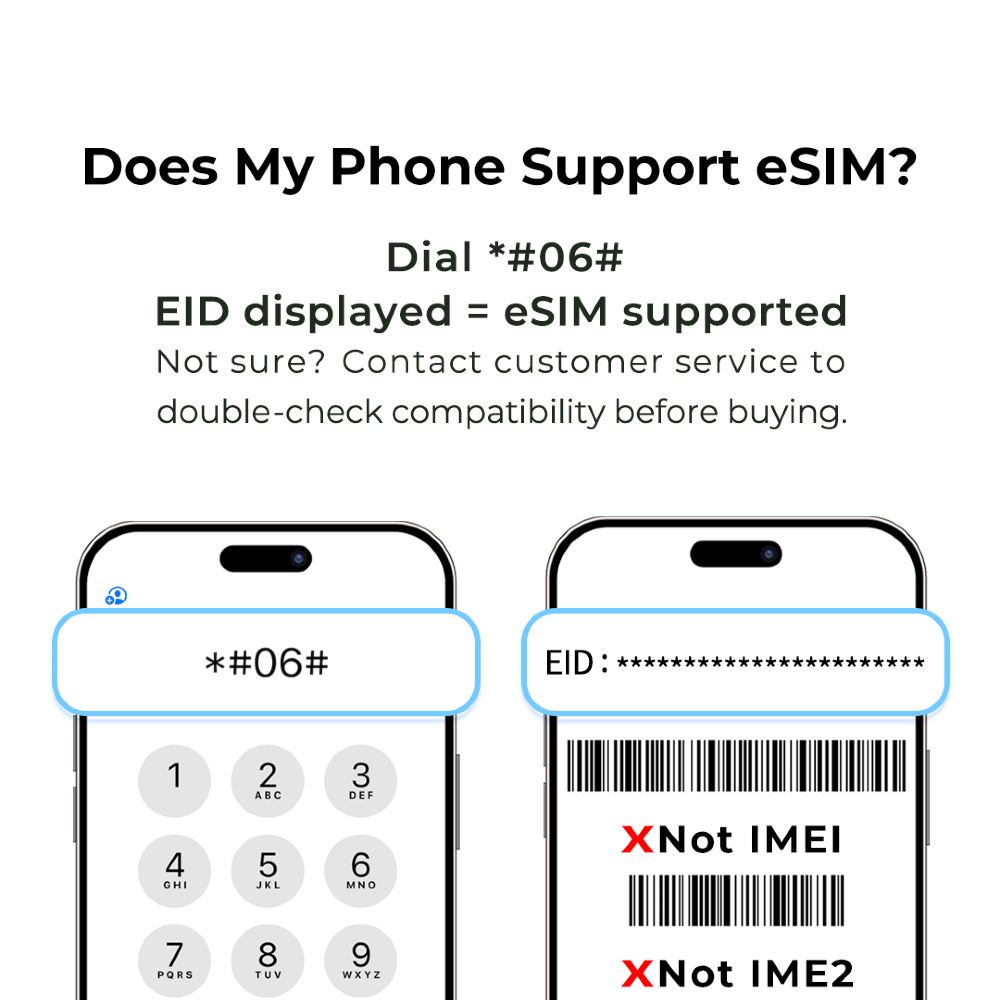
Vietnam MobiFone 4G/5G eSIM | Reservation required for activation | Billed by calendar days | QR code

Vietnam MobiFone 4G/5G eSIM | Reservation required for activation | Billed by calendar days | QR code

4.6/5
Good
(335 reviews)
6K+ booked
Book now for tomorrow
Booking confirmation
Non-refundable
From
QAR 6.78
Limited-time sale
5% off
Device info

• Signal coverage: Vietnam

• Carrier: MobiFone, VNSKY, Local (Vietnam IP, non-roaming service)

Product details

• Usage date = activation date

This eSIM requires advance reservation for activation. Please confirm your usage date before purchasing. Refund requests due to "inability to change the usage date" will not be accepted.

• If you need to change the usage date (eSIM activation date)

- Postpone usage (new date > original date): Contact customer support to confirm if changes are possible.

- Early use (new date < original date): The application must be submitted at least 6 hours in advance (e.g., changing from October 1 to September 30 requires applying before 18:00 on September 29, Vietnam time GMT+7). Changes cannot be made for same-day activation. Except for the same day, modifications to other dates are usually successful.
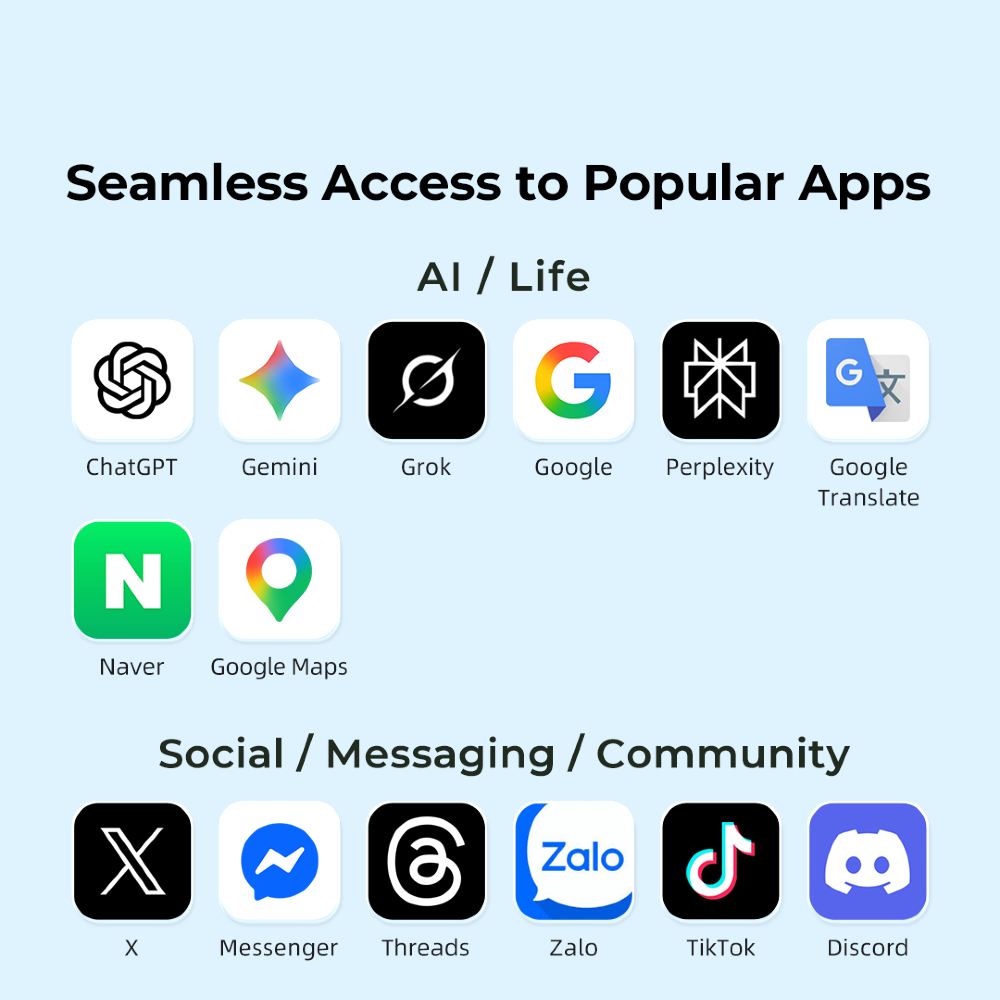
Show less
What's included
eSIM + Data Plan
Supports hotspot sharing
Top up (Please purchase again if you wish to continue using the service)
How to use
Actual steps may vary depending on your OS version and device model.
 
[Installing eSIM]
*One QR code can only be used on one mobile device. Once installed, it will be linked to that device and cannot be transferred to another.
 
Method ① Install directly via the Trip.com app (Android not currently supported):
• iOS users: Ensure your Trip.com app is updated to the latest version and your iPhone is running iOS 17.4 or later to install eSIM directly in the app.
• Open the Trip.com app - Go to "Account" - All bookings - Tap the "Install" button.
 
Method ② Scan QR code/Manually enter eSIM info to install:
1. Open the QR code attachment in your Trip.com app booking and print it in advance or save it to another electronic device. (iOS 17+ and some Android devices can save the QR code image directly to the phone)
2. Open "Cellular (iOS)" or "SIM Card Manager (Android)" in your settings.
3. With your phone connected to the internet, tap "Add Cellular (iOS)" or "Add SIM Card Manager (Android)" and scan the QR code to install.
4. If scanning fails, manually enter the "SM-DP+ Address and Activation Code" from your booking voucher to install.
5. If steps 3 or 4 fail, your phone may be locked by your country/region of residence carrier (unable to use other carrier networks). Contact your carrier to unlock before using eSIM.
 
[Using eSIM]
1. Turn off your primary SIM and enable the eSIM network switch.
2. Enable "Cellular (iOS)" or "SIM Card (Android)".
3. If you still cannot connect after these settings, configure APN and restart (see details below).
 
[About access point name (APN)]
1. Setup steps:
iOS: Settings - Cellular - Cellular Plan (select eSIM) - Cellular Data Network - Enter APN
Android: Settings - Connections - Mobile Networks - Select eSIM - Access Point Names (APN) - Create new APN or Edit APN
2. Enter APN
APN: m-wap
Username: mms
Password: mms
3. Restart your phone.
 
[Customer support]
If you encounter issues during use, please do not delete the installed eSIM. Send screenshots of your phone settings to customer support for quick assistance.
 
[Self-service queries]
Check data usage: Dial *090*5#
Check phone number: Dial *101#
Change & cancellation policies
Please note that the booking cannot be canceled once it is confirmed
The selected date and time cannot be modified after booking.
Important note

• This eSIM is provided by VNSKY, a Vietnamese virtual network operator.

• VNSKY and Local are virtual mobile network operators (MVNOs) based on the Mobifone network, providing network services through Mobifone's base stations and communication transmission systems.

Therefore, although you purchase the brand VNSKY, the actual carrier and network service are provided by Mobifone, and the network coverage is exactly the same as Mobifone.


■ Supports multiple installations

On the same device, an eSIM can be deleted and reinstalled after installation, up to a maximum of 5 times.

eSIMs can be reinstalled within the validity period of the QR code (for unactivated eSIMs) or within the validity period of the data plan (for activated eSIMs). Installation will no longer be possible after the validity period expires.


■ Disable roaming function for domestic SIM cards

Before using an eSIM, please be sure to disable data roaming on your domestic SIM card to avoid incurring high international roaming charges by using your domestic SIM card's mobile network. You will be responsible for all related costs, including roaming fees, overseas SIM card/eSIM purchase costs, and transportation expenses, without additional compensation.


■ Upholding the principle of fair use of the network

To maintain network quality and fair usage principles (FUP), telecommunications companies may restrict users who consume large amounts of data within a short period, resulting in internet access disruptions or slower speeds. To ensure normal internet access, please avoid activities that consume large amounts of data, such as watching/downloading videos for extended periods, updating software, or sharing network hotspots.

FAQ